

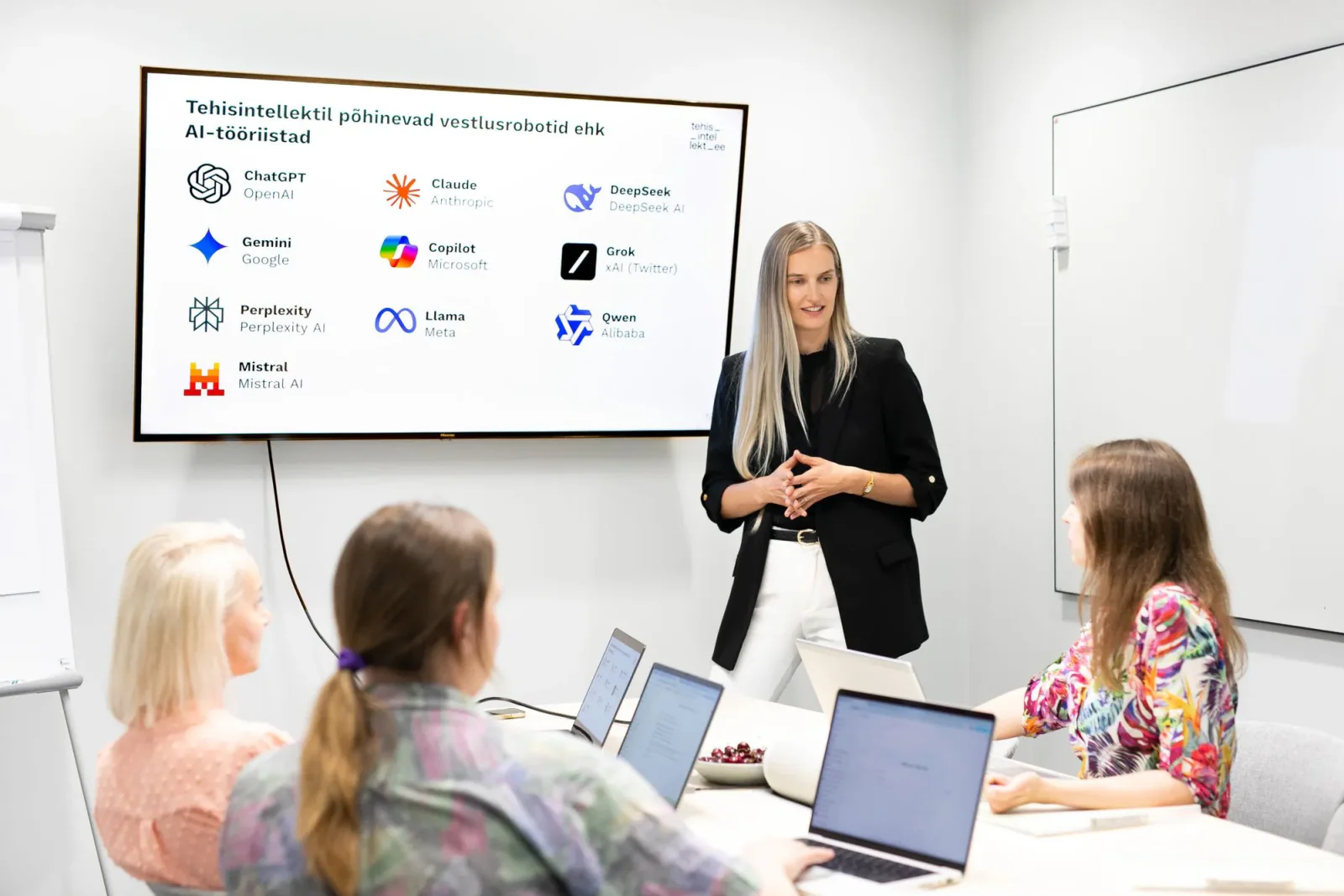
Introduction to Copilot - what you can do today and what a paid licence adds
This course is for people starting out with Copilot who want to understand what the free version can already do today, and what a paid Microsoft 365 Copilot licence would add on top. We go through Copilot’s main uses in Microsoft 365 Copilot Chat, Outlook, Teams, Excel and Word.
The hands-on exercises stay on what participants can use with the free Microsoft 365 Copilot. What a paid licence adds is covered as a walkthrough, so that everyone leaves with a clear sense of where a licence would earn its keep in their own day-to-day work.




Course structure
Tap a module to see its contents
- How AI and language models work
- The kinds of task AI genuinely helps with
- The limits and risks of using AI
- How Copilot differs from other AI tools
- How to use it safely
- Copilot’s main features
- What makes a prompt good
- Writing a strong prompt
- Tips for more advanced users
- Managing your inbox more efficiently
- Quick overviews and summaries of email
- Drafting email inside Outlook
- Turning a meeting transcript into notes
- Automatic notes alongside the meeting summary (paid licence only)
- Quick answers and interim summaries during a meeting (paid licence only)
- An overview of Microsoft’s agents
- How to build simple task-based agents
- SharePoint agents (paid licence or pay-as-you-go only)
- Getting an overview of data and trends
- Processing and reshaping data automatically
- Drafting quickly
- Editing, correcting and structuring text with an agent
Personalised and immediately applicable
The greatest strength of the training was personalisation. Every lesson built on our company's real situations and processes, not textbook examples. The balance of theory and practice and the concrete tips helped us quickly adopt new working methods. The training gave us tools that can be applied immediately, not knowledge that ends up in a drawer.


ENN LAMP
Fiskostar OÜ
CEO
Learning outcomes
What you'll be able to do:
understand the principles, limitations and risks of generative AI, and use Copilot safely;
write clear, effective prompts for a task at hand;
use Microsoft 365 Copilot Chat for everyday writing, summarising, developing ideas and analysing files;
tell apart which Copilot features are available without a paid licence and which ones require one;
use Copilot in Outlook and Teams workflows, according to what the organisation is licensed for;
find the first places in their own work where AI saves time, simplifies repetitive tasks and improves the quality of the output.


KAIA SALUMETS
NG Investeeringud OÜ
Chief Accountant
Encouraging and practical
We gained the courage to experiment and to see how to make our work easier. A start has been made and I am very grateful for it. I especially liked the practical examples. At the same time, I understand that consolidating skills and deepening knowledge requires a lot more practice.
Do you have any questions?
Anna can help with registration, how the training is organised and applying for the Töötukassa training grant.
Training provider contact and details
- Training organiser
- Tehisintellekt OÜ
- Registry code
- 16967299
- Economic activity notice no.
- 259383
- Contact person
- Anna Borovikova
- Phone
- +372 5886 9046
- info@tehisintellekt.ee