

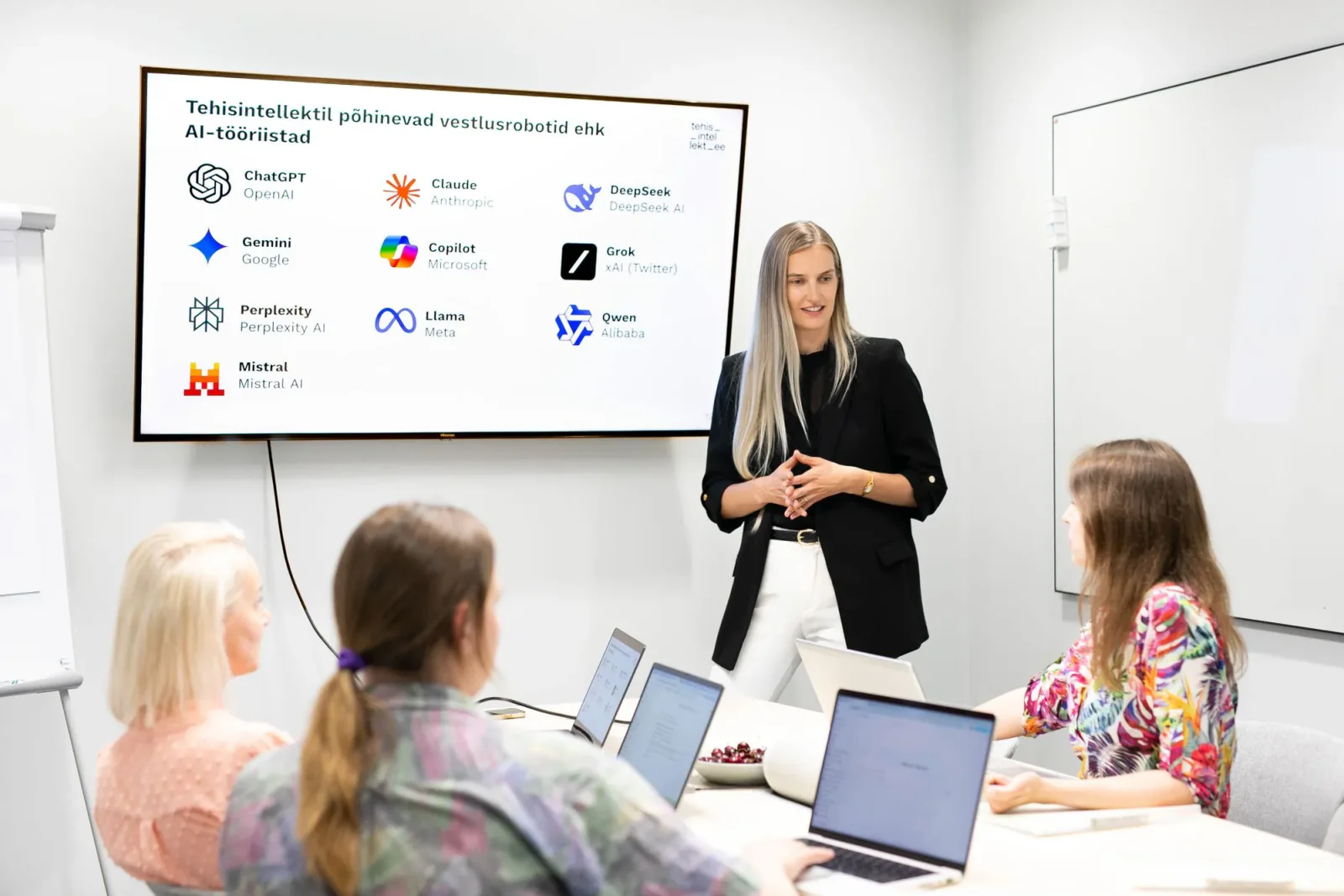
Building your own AI agent in ChatGPT
In this hands-on workshop, you build an AI agent in ChatGPT set up for one of your work tasks. You start by describing your work tasks and, with the help of AI and the trainer, choose one task. Then you connect the information sources needed, write instructions, create reusable work instructions (Skills) and test the solution. We bundle the instructions and connected tools the agent needs for its work into a plugin. For example, the agent could put together a morning work overview from agreed sources or draft an email based on a document.
By the end of the training, you have an AI agent set up and tested for one work task, the data connections it needs and at least one reusable work instruction. The solution completes the chosen task based on an agreed example and is ready to be used with new input. If the task needs to be done every day, you set up a daily scheduled task for it. If there is no daily need, you run the solution yourself from then on.




Course structure
Tap a module to see its contents
- Each participant describes their main work tasks to the AI and answers clarifying questions.
- We compare how often the task recurs, how available the necessary information is and how verifiable the result is.
- We choose one clearly defined task whose solution can be completed within the day.
- We describe what information the work starts from, which steps need to be taken and what the result must be like.
- We add an example of a good result and define when the AI must ask for more information or for human confirmation.
- We choose the files and services needed for the task and use approved app connections to access them.
- We check whether ChatGPT finds the right material and which actions the connection allows.
- We distinguish between reading material and changing it.
- We use Plugin Creator to create a plugin for the chosen work task.
- We add the agent’s goal, the requirements for the result, background information and the connected tools it needs.
- We define what the agent may do and when it must ask a person for confirmation.
- We have the agent go through the task from start to finish with one example.
- Along the way, the trainer shows the techniques needed, such as finding information, reading a file or formatting the result.
- We refine the instructions where the result needs improving.
- We turn the working procedure that works into one or more work instructions (Skills) and add them to the plugin.
- We describe when to use the instruction, which steps to follow and how to handle missing information.
- We test whether the agent uses the instruction in a new chat.
- We test the solution with a new example and in a situation where some of the information is missing.
- We check whether the result meets the agreed requirements and whether the AI stays within the limits of its task.
- We improve the instructions and try again.
- The trainer shows how to create, change and pause a scheduled task.
- If the chosen task needs to be done daily, the participant adds the required work instruction and connected tools to the schedule and tests how the task runs.
- If there is no daily need, the participant does not schedule their task.
- We write down how to run the solution and how to check the first results.
Personalised and immediately applicable
The greatest strength of the training was personalisation. Every lesson built on our company's real situations and processes, not textbook examples. The balance of theory and practice and the concrete tips helped us quickly adopt new working methods. The training gave us tools that can be applied immediately, not knowledge that ends up in a drawer.

ENN LAMP
Fiskostar OÜ
CEO
Learning outcomes
What you'll be able to do:
describe your work tasks to the AI and choose one of them for which an AI assistant can be built;
use approved data connections to give the AI assistant access to the materials it needs for the work;
set up an AI agent in ChatGPT for your work task, bundling its work instructions and the tools it needs into a plugin;
create a reusable work instruction (Skill) and add it to the plugin the agent uses;
test the AI assistant with a new example and with missing information, and improve the instructions based on the result;
assess whether daily scheduling is needed and describe how to set up, change and pause a scheduled task.


KAIA SALUMETS
NG Investeeringud OÜ
Chief Accountant
Encouraging and practical
We gained the courage to experiment and to see how to make our work easier. A start has been made and I am very grateful for it. I especially liked the practical examples. At the same time, I understand that consolidating skills and deepening knowledge requires a lot more practice.
Good to know
Before the training
Scope of the training
The workshop produces one AI agent that carries out a clearly defined work task. We use existing connections and set up the solution in plain language. Programming new integrations, using Codex and automating work processes that span several departments require separate training or development work.
Duration and format
Before each stage of the work, the trainer demonstrates the technique needed. Participants apply it straight away to their own task and get feedback. Over the course of the day, we develop the same solution further step by step.
Six academic hours are 270 minutes of instruction. Breaks are added to this time. The training can be held online or on site; on-site training lets the trainer guide participants’ practice more directly. The training is held in Estonian or English.
Prerequisites
Each participant needs a computer with an internet connection and a ChatGPT Business or Enterprise account approved by the organisation. The account must have ChatGPT Work, creating plugins and work instructions, and scheduled tasks enabled; Plugin Creator must be available for creating the plugin. We prepare the required app connections and user permissions together with the client before the training. Participants bring a list of their main work tasks and sample material suited to their work. We use data approved by the organisation or sample data.
Do you have any questions?
Anna can help with registration, how the training is organised and applying for the Töötukassa training grant.
Training provider contact and details
- Training organiser
- Tehisintellekt OÜ
- Registry code
- 16967299
- Economic activity notice no.
- 259383
- Contact person
- Anna Borovikova
- Phone
- +372 5886 9046
- info@tehisintellekt.ee