March 16, 2025

We teach you to use AI wisely in everyday work.
Not sure which tool to choose? Compare tools

A good fit if you want to develop your own AI skills individually.
A good fit if you want to develop your employees’ AI skills using the example of your everyday work tasks.
For a training program of at least 50 academic hours, you can apply for up to 80% funding.
Trusted by

















To adopt AI successfully, it’s worth choosing one tool and learning to use it thoroughly. If you haven’t decided yet, the comparison below helps you find the best fit for your or your team’s everyday work.

For office workers, ChatGPT is one of the most intuitive and capable AI tools, and many users find its Estonian the most natural. You should not enter sensitive data into ChatGPT.
Note: Data is stored in Europe only with an Enterprise licence.

Claude is a good fit for employees in more technical roles. It’s an intuitive and capable tool, but for creative texts in Estonian, ChatGPT is usually better. You should not enter sensitive data into Claude.
Note: Data is not stored in the European Union. It can’t take voice commands in Estonian or create photorealistic images.

Copilot isn’t always as intuitive as ChatGPT or Claude and often needs more precise instructions for good results. However, Copilot is the safest choice when working with sensitive data.
Note: The collaboration mode, Cowork, is available for an extra fee (included in the price for ChatGPT and Claude).
ChatGPTClaudeMicrosoft CopilotThe table was last updated on 20.07.2026. As terms and features may change, check the latest information directly from the tool or the provider’s website.
These recordings and podcast conversations can help you better understand which AI tool and approach fit your or your team’s needs.
 Video
Video Eneli Eljand · Primend webinar · 18.06.2026
 PodcastEneli Eljand and Joel Volkov (Tank) · Äripäev radio · 01.06.2026
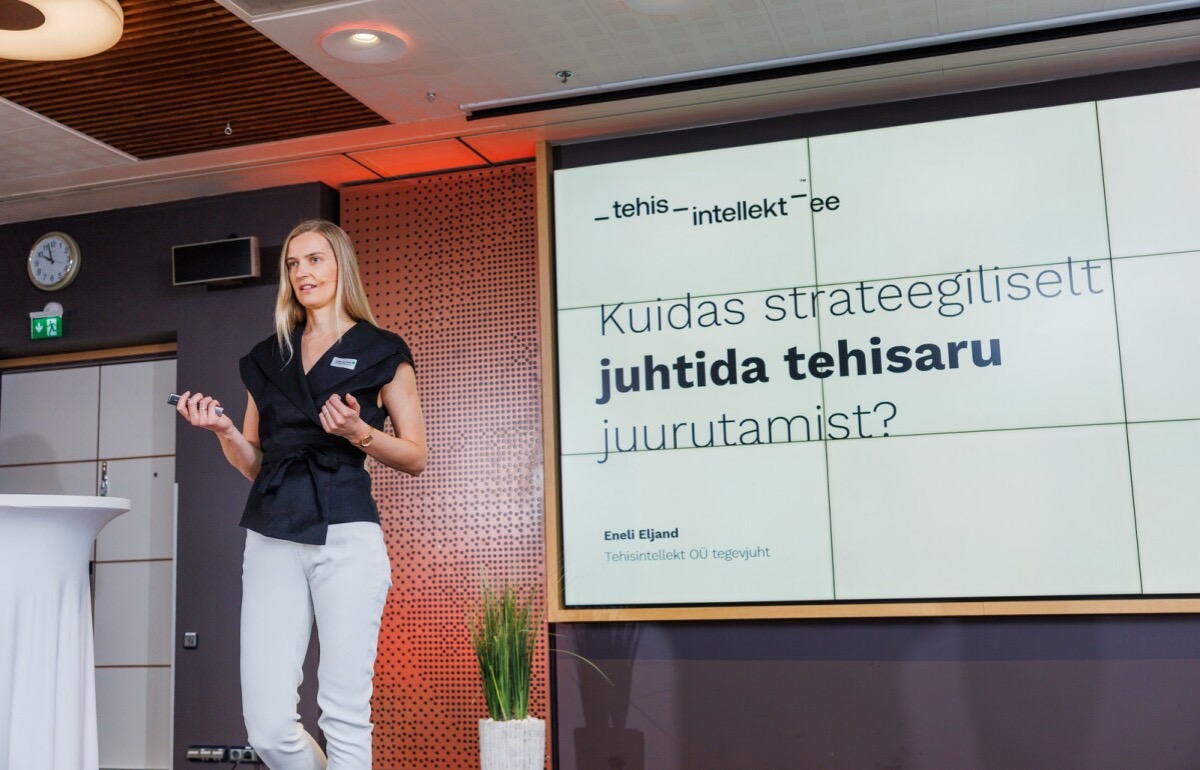 VideoEneli Eljand · Äripäev AI practitioners’ conference · 12.05.2026
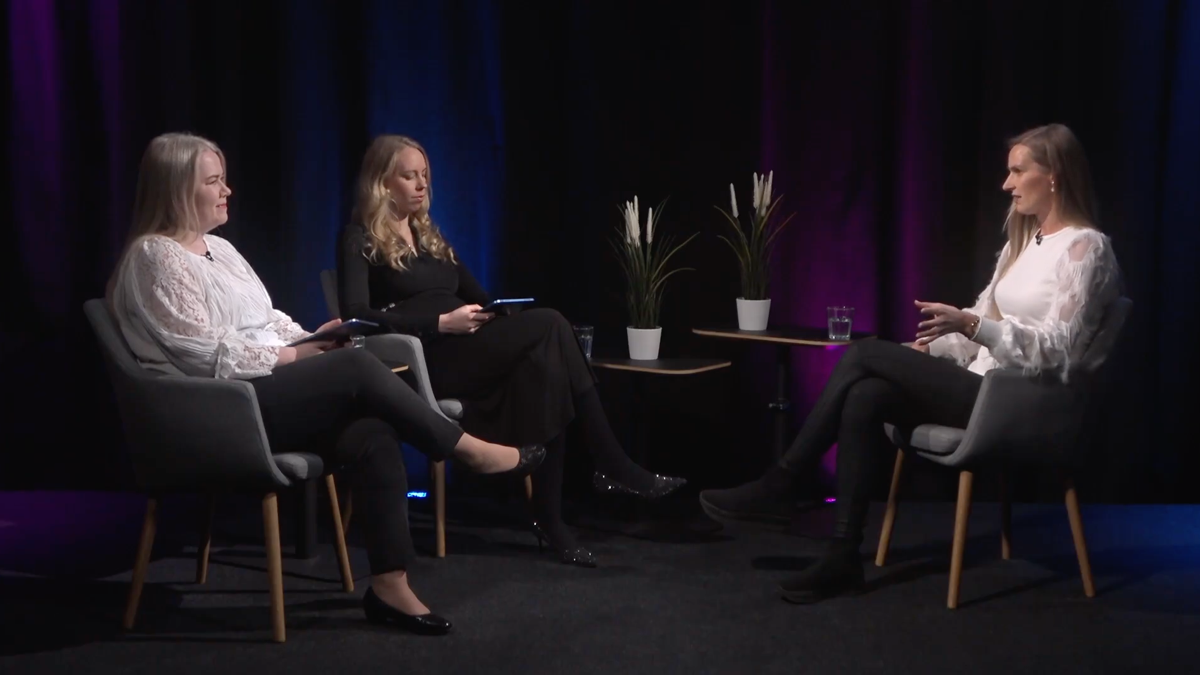 PodcastEneli Eljand · AIPowerment podcast · 27.02.2026
 PodcastEneli Eljand · Äripäev radio · 18.11.2025
For attending the training, we recommend at least a paid ChatGPT Business, Claude Team or Microsoft 365 Copilot licence. Paid licences generally offer the following advantages:
Employees can share agents, projects and other created solutions with each other, so the whole team can use the same working approaches.
Business accounts and paid licences generally allow more use of the tool than free versions and are better suited to everyday work.
Content and solutions created in a work account live in a company-managed environment and aren’t tied only to an employee’s personal account, even if the employee leaves.
Business accounts generally have stricter security and data-protection terms than accounts meant for individuals. For example, training on user data is turned off by default.


ILMAR KÄÄR
Alexela AS, IT Manager
The training gave participants a thorough overview of the development and mechanics of AI language models, while providing very practical skills on how to smartly and securely integrate various AI tools into everyday workflows. The trainers’ style was direct and easy to follow, even complex topics became clear and actionable. As an IT Manager, I especially appreciate that participants gained not just skills, but the desire and confidence to use AI in their daily work.
Our goal is for every participant to try the new working methods themselves and leave the training with practical skills. With one trainer, we recommend a group of up to 16 participants whose tasks and needs are as similar as possible.

If so, form a group of up to 16 people with similar tasks. That way the examples and exercises suit everyone, and the trainer can support each participant.
Try splitting employees into smaller groups by task, skill level or the tool used. If that isn’t possible, we can bring in an additional trainer where feasible.
Start with a lecture to give a shared overview. Since a lecture alone doesn’t build practical skills, add individual assignments, a follow-up meeting or a later hands-on workshop.
The Generative AI Masterclass by Tehisintellekt.ee wasn’t just another theoretical session. It was a practical and substantial 50-hour program where you learn how to actually apply AI in your daily work to benefit your business. The trainers explained complex topics in simple terms, using real-life examples. I particularly liked that every topic was linked to specific business problems, offering practical solutions and guides that I could implement immediately. The trainers genuinely cared that everyone understood the material and could actually use it. This depth and practical focus is what sets their training apart.


RENE PAATS
TKM Grupp AS,
Partner Card Development Manager
Answers to the most common questions about the training, format, price and funding.
We offer both online training and training held at your company. For public courses, the format is noted with each specific course. For in-house training, we choose the format together based on the company’s needs and the participants’ location.
The length depends on the goal and the participants’ prior experience. You can choose a single training day or a program of several sessions, where participants can apply what they’ve learned in their work in between. For a training program of at least 50 academic hours, you can apply for up to 80% funding.
Group size depends on the training format. For hands-on training, we recommend keeping the group small enough that each participant can complete the exercises and get feedback from the trainer. With more participants, people can be split into groups by role or level.
Yes. Before the training we find out participants’ prior experience and, if needed, form separate groups for beginners and advanced users. That way the more experienced don’t have to start from the very beginning, nor do beginners have to move on too quickly.
Yes. In in-house training we work from the participants’ actual tasks, documents and processes. The goal isn’t to talk about AI in general, but to help people solve their everyday work tasks with it.
It depends on the chosen course. Before the training we provide an exact list of the required accounts and licences and help decide whether ChatGPT, Claude or Microsoft Copilot suits the company best.
Participants will be able to choose a suitable approach for a task, give AI clearer instructions, check the quality of the results, and use the tool more securely in their everyday work. In a longer program, specific use cases and new working methods are also developed.
For longer programs, participants get interim assignments to try what they’ve learned in real work. By agreement, we can add a Q&A session, a summary for managers, or a post-adoption assessment. Hourly consultation is available if needed. A manager can order strategic advice hourly or as a regular external AI-lead service.
Participants keep the materials and the training recording stays with you. You also keep the worksheets, example prompts and the assistants created during the training, so you can keep using what you learned in your work.
Security is part of every training. We explain which data may be entered into different tools, how to anonymise sensitive information, and which company settings and licences affect data processing.
The price depends on the scope, group size, customization needs and format. In the quote we set out separately how many sessions there are, what the preparation includes, and which materials and follow-up activities are included in the price.
For a training program of at least 50 academic hours, it may be possible to apply for up to 80% funding. Eligibility and conditions depend on the specific company and program.
Hands-on training isn’t a good fit for a very large group with completely different tasks if the goal is to give everyone immediately applicable skills. In that case we recommend re-forming the groups or starting with a lecture and continuing with smaller hands-on workshops.
Training can be ordered in Estonian and English, and the materials are in the same language.
A few things need to be prepared for the training:
Our trainers have all completed adult-educator training and know AI tools deeply. We’re enthusiasts and fans who also understand that not everyone is at the same level - employees need to be taught through hands-on exercises to a level that helps them automate their everyday work. Since 2024 we’ve done custom development, AI consulting and training, and we know AI tools thoroughly.
For the best result, we agree on goals and suitable use cases with the manager before the program. After the training, we help decide which new working methods to adopt together as a team.

Eneli EljandCEO
If your goal is to implement AI in your organization, get in touch with us. We will analyze your current challenges and help you find the best way to integrate AI.
Eneli EljandCEO